
1.6 KiB
MoeMoji
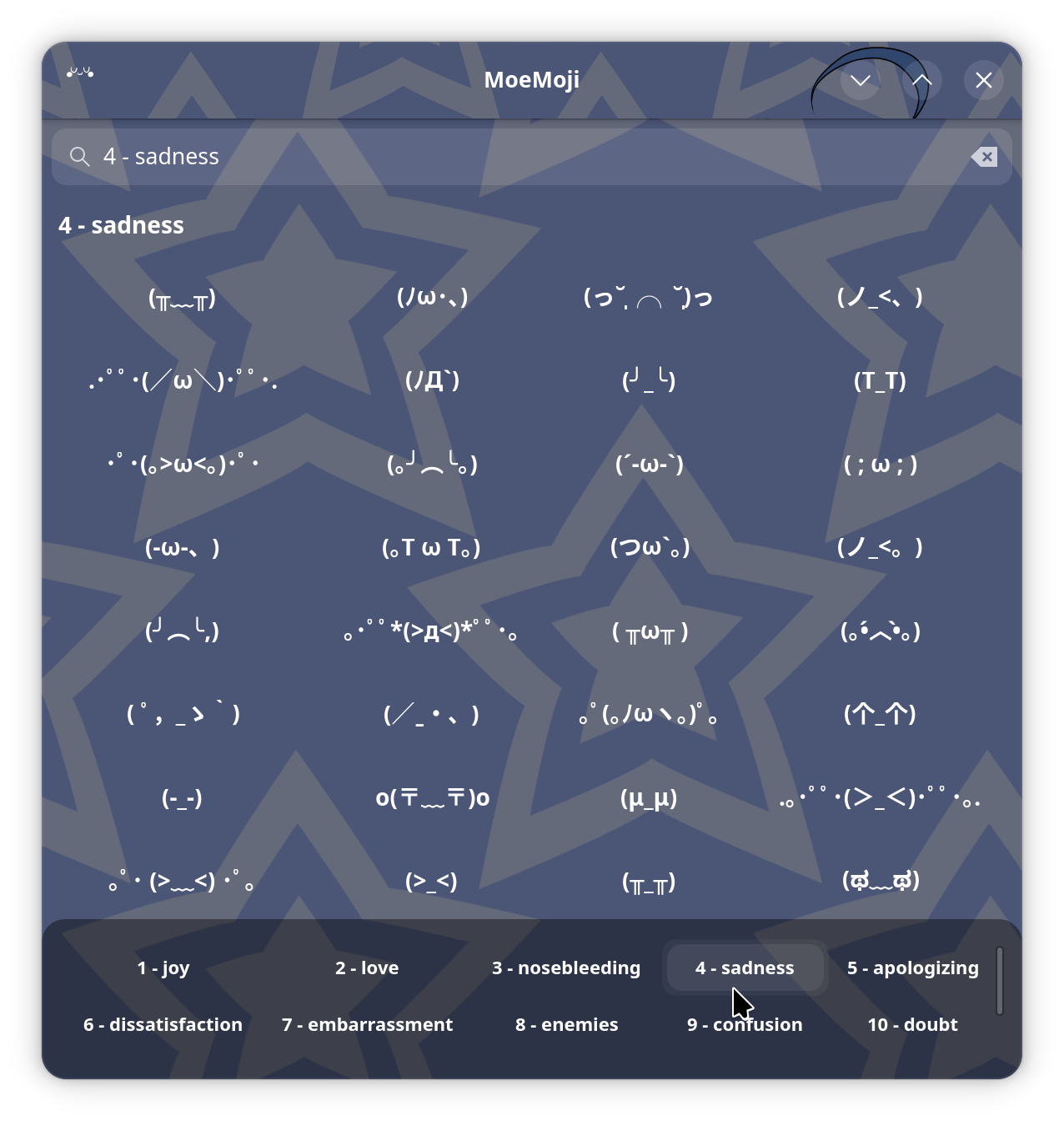
Kaomoji picker. Browse a library of Japanese emoticons, click to copy, add your own!
Install
- Download .flatpak file from Releases: https://gitea.angeltech.jp/Angel-Technologies/MoeMoji/releases/tag/konater
- Install with
flatpak install ./moemoji.flatpak
Q: Why don't you upload to Flathub?
A: Couldn't be assed to follow all of their rules and go through review process.
Global shortcut
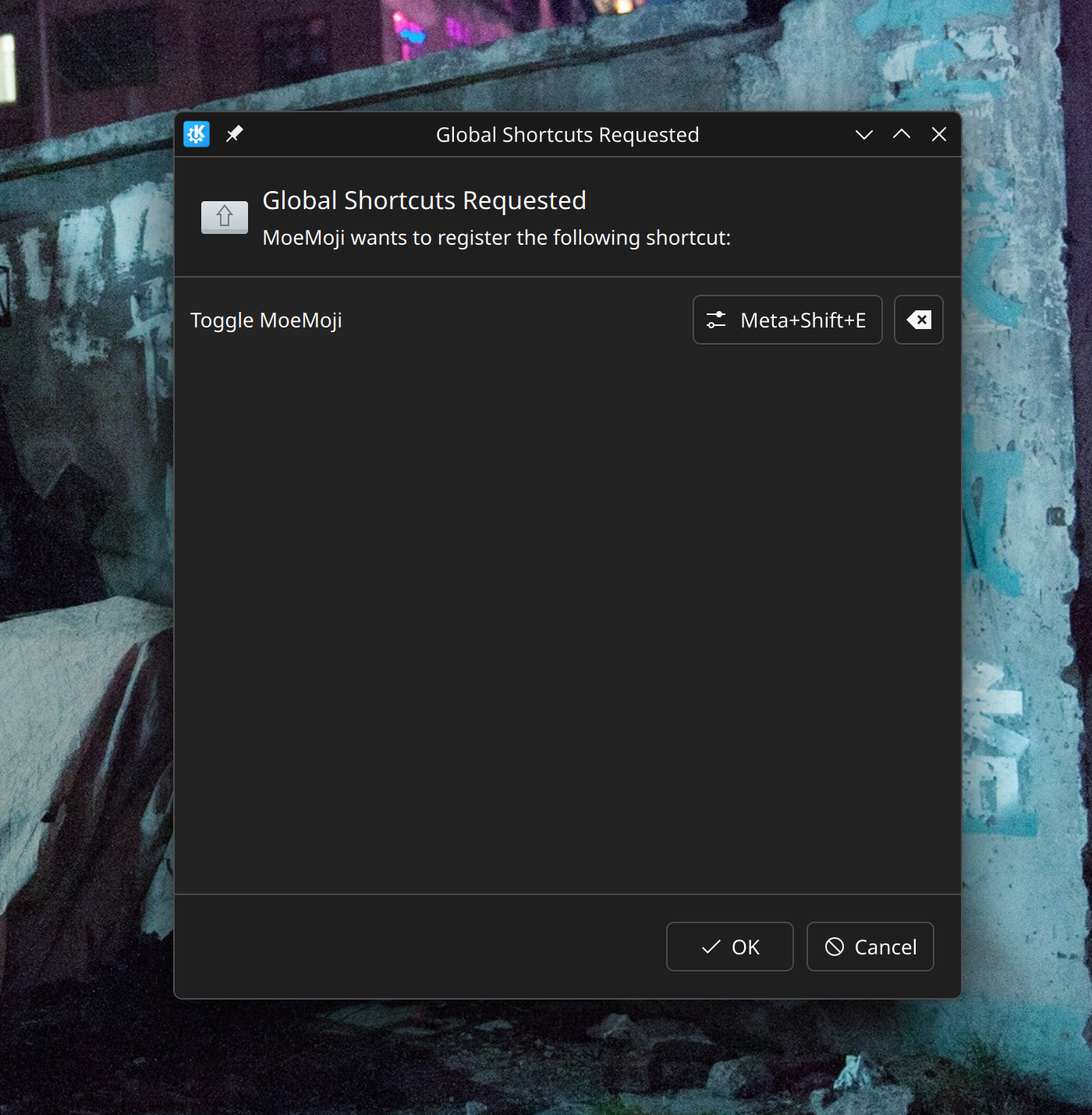
This app uses global shortcut (Meta+Shift+E) for easy access. Press once to show the window, press twice to hide the window.
If you use KDE like me, you will be requested with global shortcut access on app launch. You can remap this shortcut to anything you want and later access this shortcut from system settings.
Add custom kaomojis / ASCII / anything
All kaomojis are stored in a simple, accessible format:
  data/kaomoji/
  ├── angry/
  │   ├── 001.txt
  │   ├── 002.txt
  │   ...
  ├── happy/
  │   ├── 001.txt
  │   ...
To add your own category/emoticon, simply create a folder and a corresponding .txt file in either $XDG_DATA_HOME/moemoji/kaomoji/ or /usr/local/share/moemoji.
You can add large ASCII text files or any text you want; the app handles multiline texts and displays a neat little preview.
Build
meson setup builddir
ninja -C builddir
Run dev build: GSETTINGS_SCHEMA_DIR=./builddir/data ./builddir/src/moemoji
Flatpak packaging
flatpak-builder --force-clean --user --install .flatpak-build net.angeltech.MoeMoji.json
flatpak run net.angeltech.MoeMoji